
Core Functionalities
MaConSim offers all the tools you need for realistic MES testing. From machine configuration to granular production scenarios to real-time data acquisition: Simulate entire shop floor processes and validate the connectivity, logic, and responsiveness of your MES. Plug & Play, protocol-independent, and industry-agnostic.
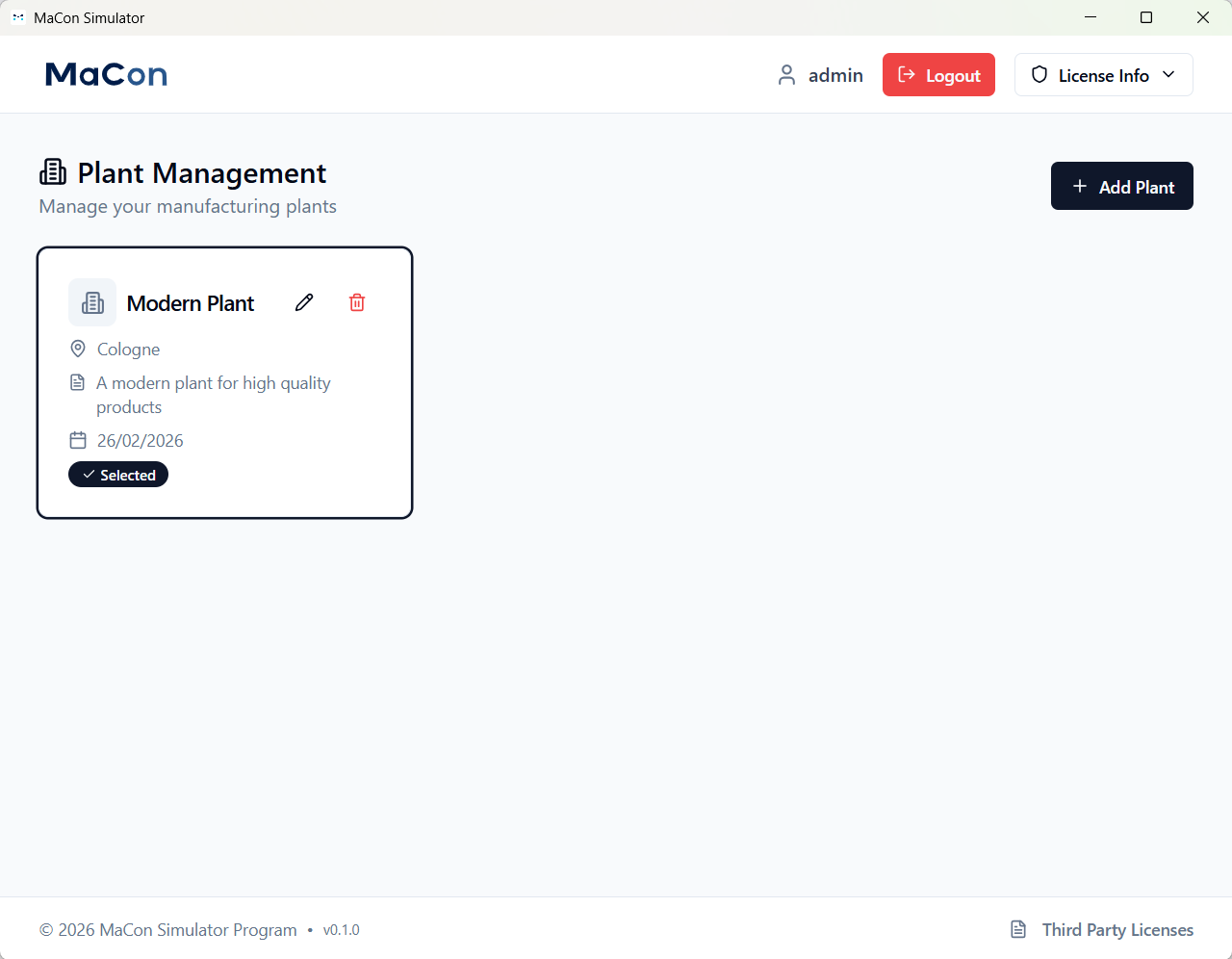
Plants
Configure and manage multiple production sites centrally. Simulate cross-site MES processes – ideal for international consulting projects and global manufacturing networks.
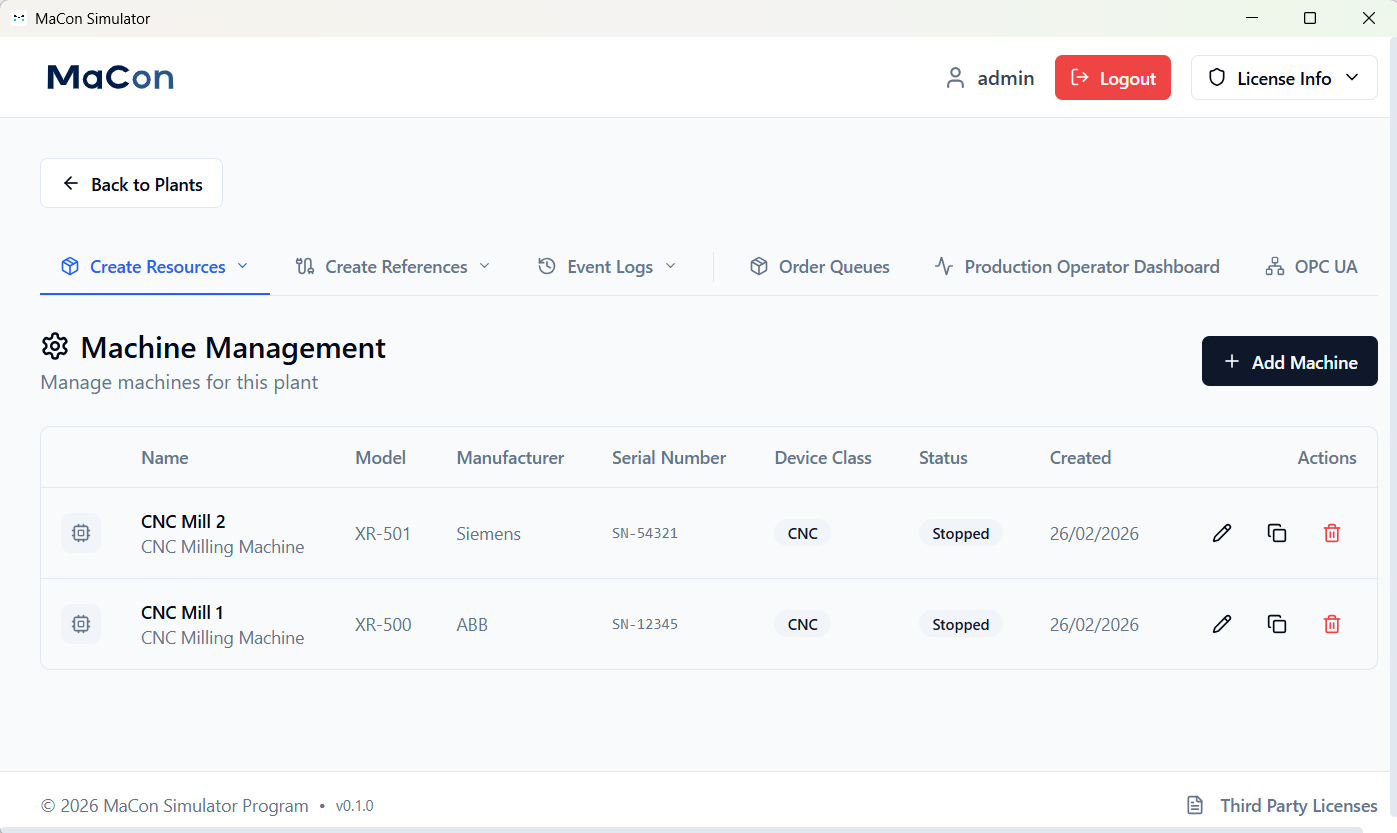
Production Machines
Create your custom machine park and assign specific information to each machine, such as name, model, or serial number.
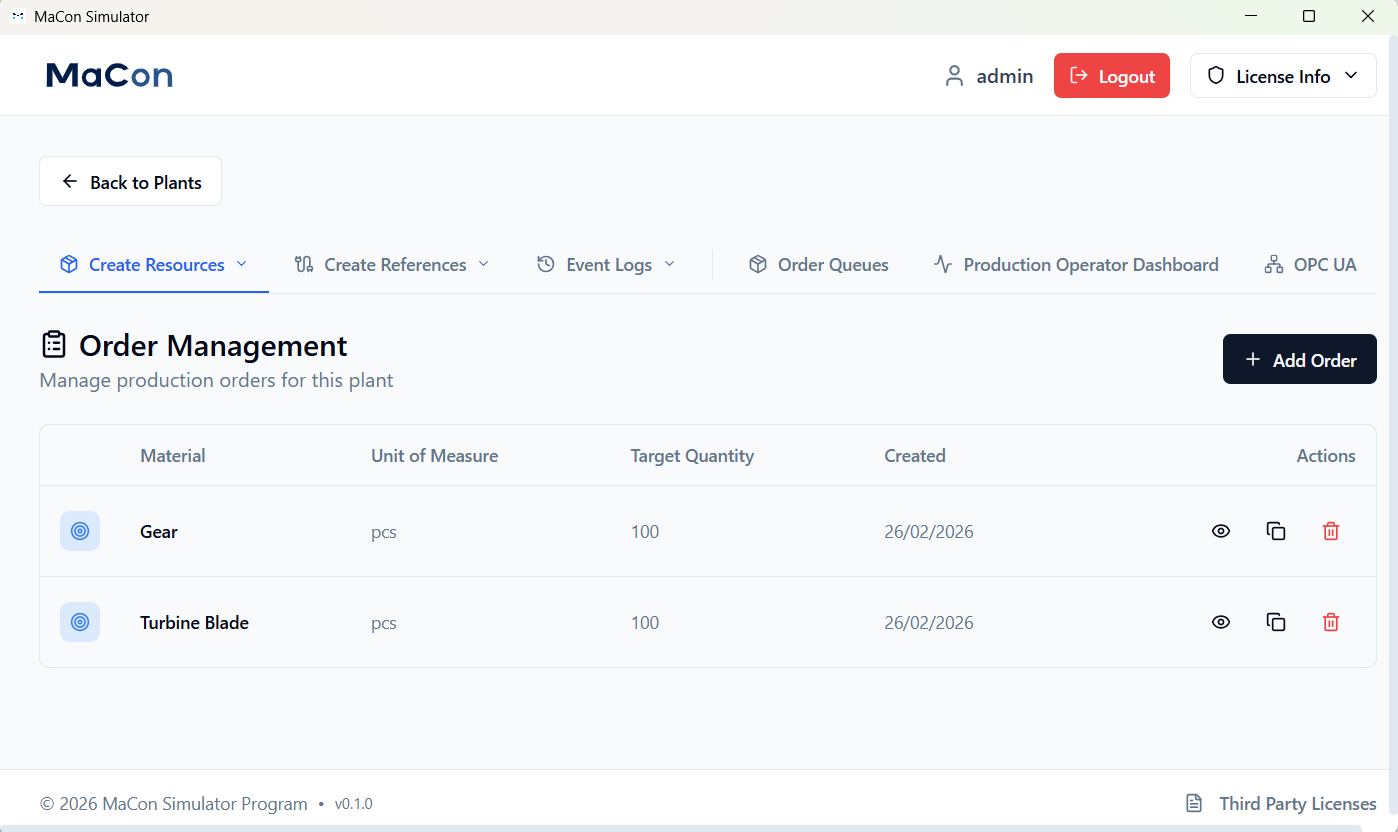
Production Orders
Create realistic production orders directly in the simulator, including material specifications and planned quantities. Test your MES independently of real production data and validate order processing under controlled conditions.
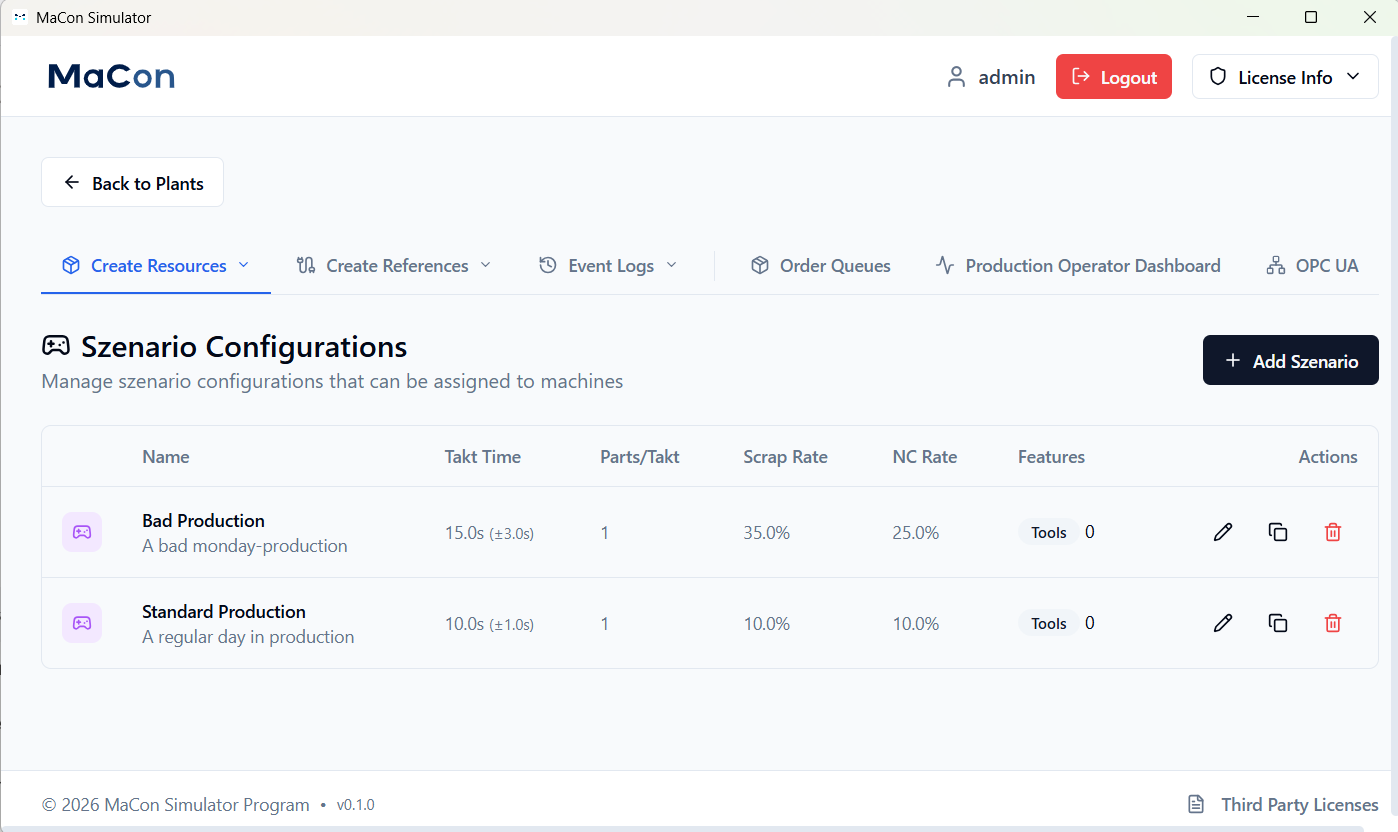
Production Scenarios
Define custom production scenarios with configurable values such as cycle time, scrap rate, or parts produced per cycle. Run through different scenarios—from ideal conditions to malfunctions—and test how your MES reacts to changes. Perfect for robust go-live preparations and process optimization.
SFC Management (Shopfloor Control)
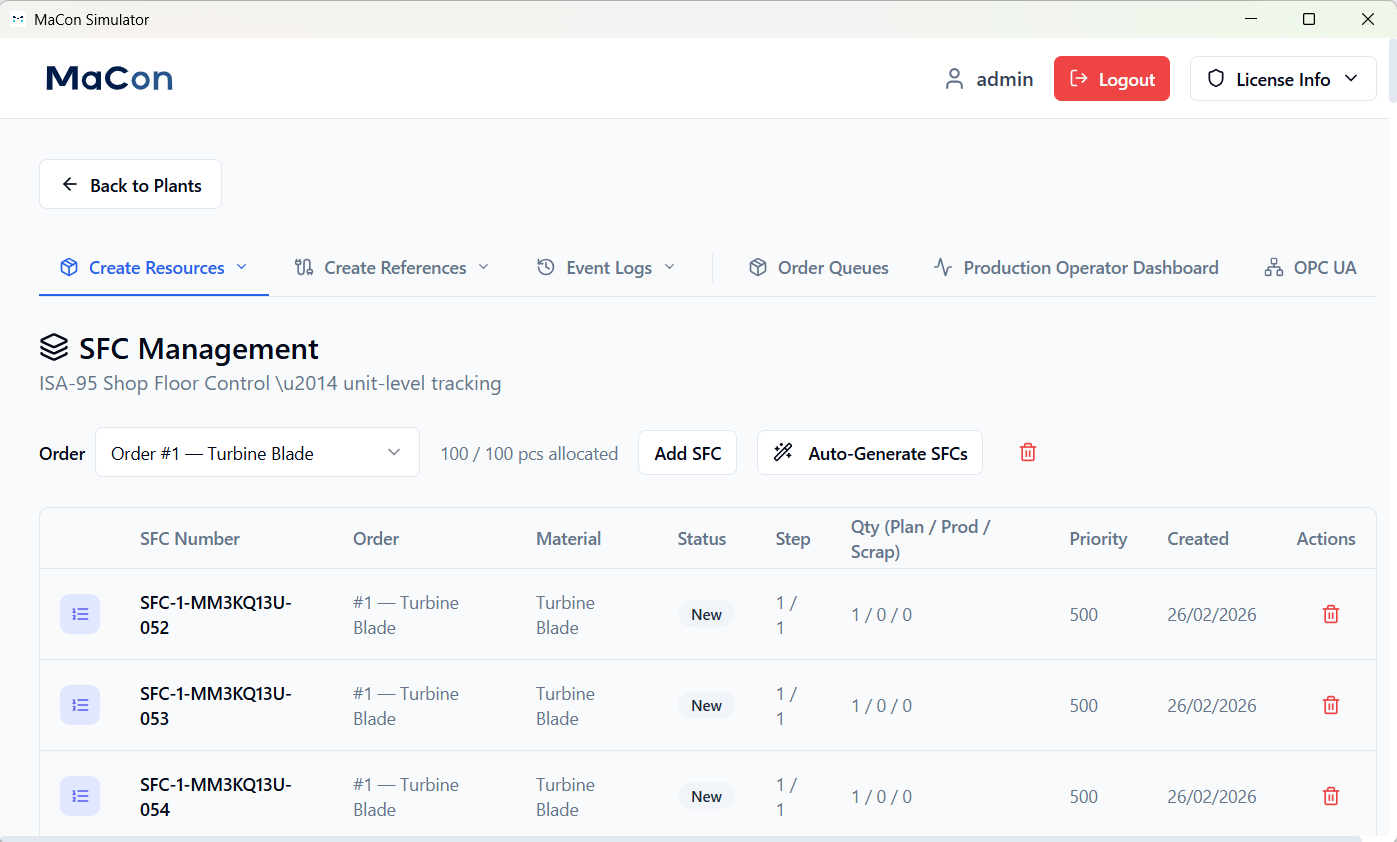
Break down production orders into individual SFCs (shop floor control units) – from individual parts to batch sizes. Assign specific data such as status, processing times, or quality characteristics to each SFC. Ideal for MES tests that require granular traceability (e.g., automotive) or for simple batch tracking (e.g., screw production).
Nonconformance Codes
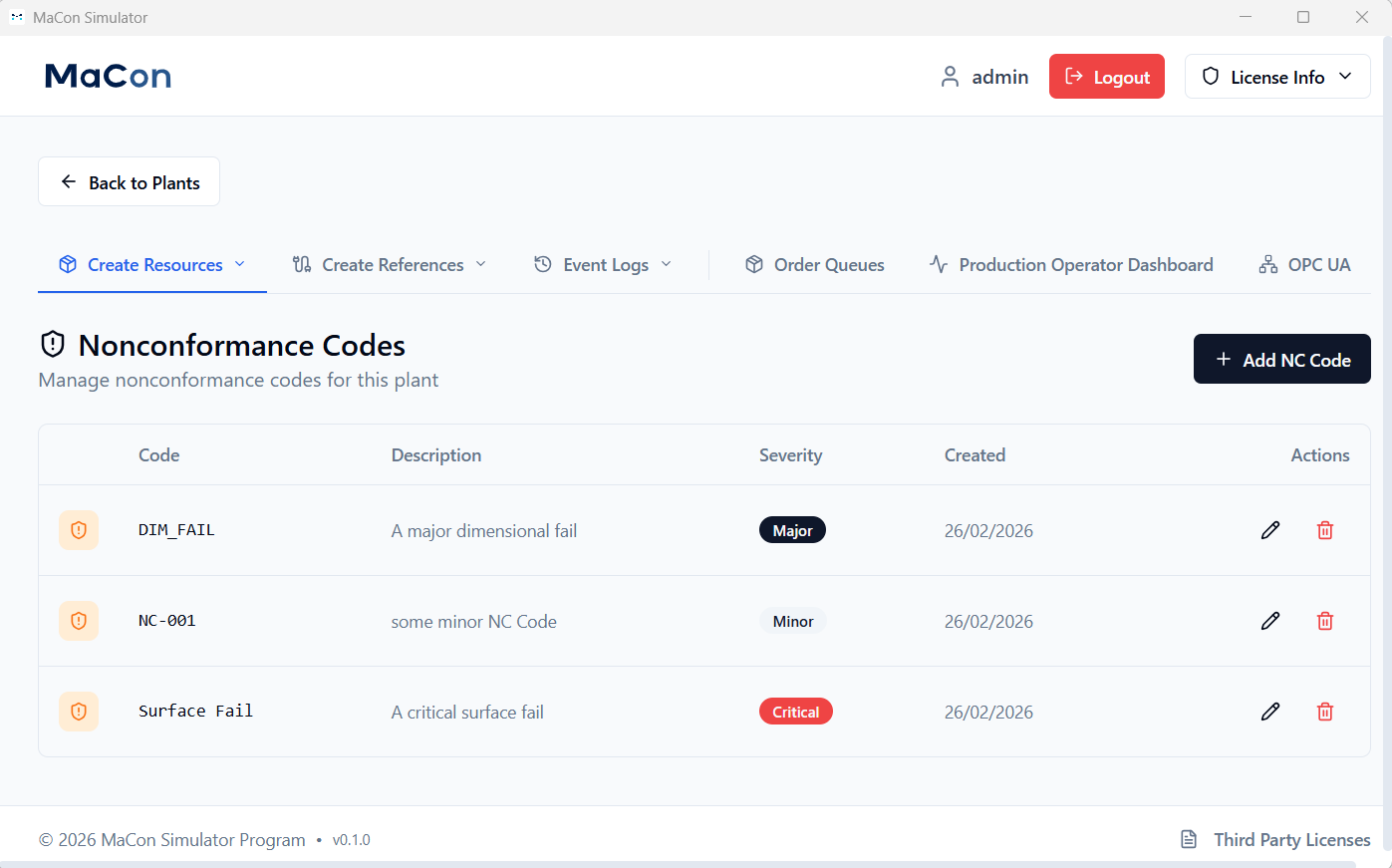
Simulate typical production disruptions (e.g., material shortages, machine errors) and test how your MES responds. Reduce risks before going live.
Tools
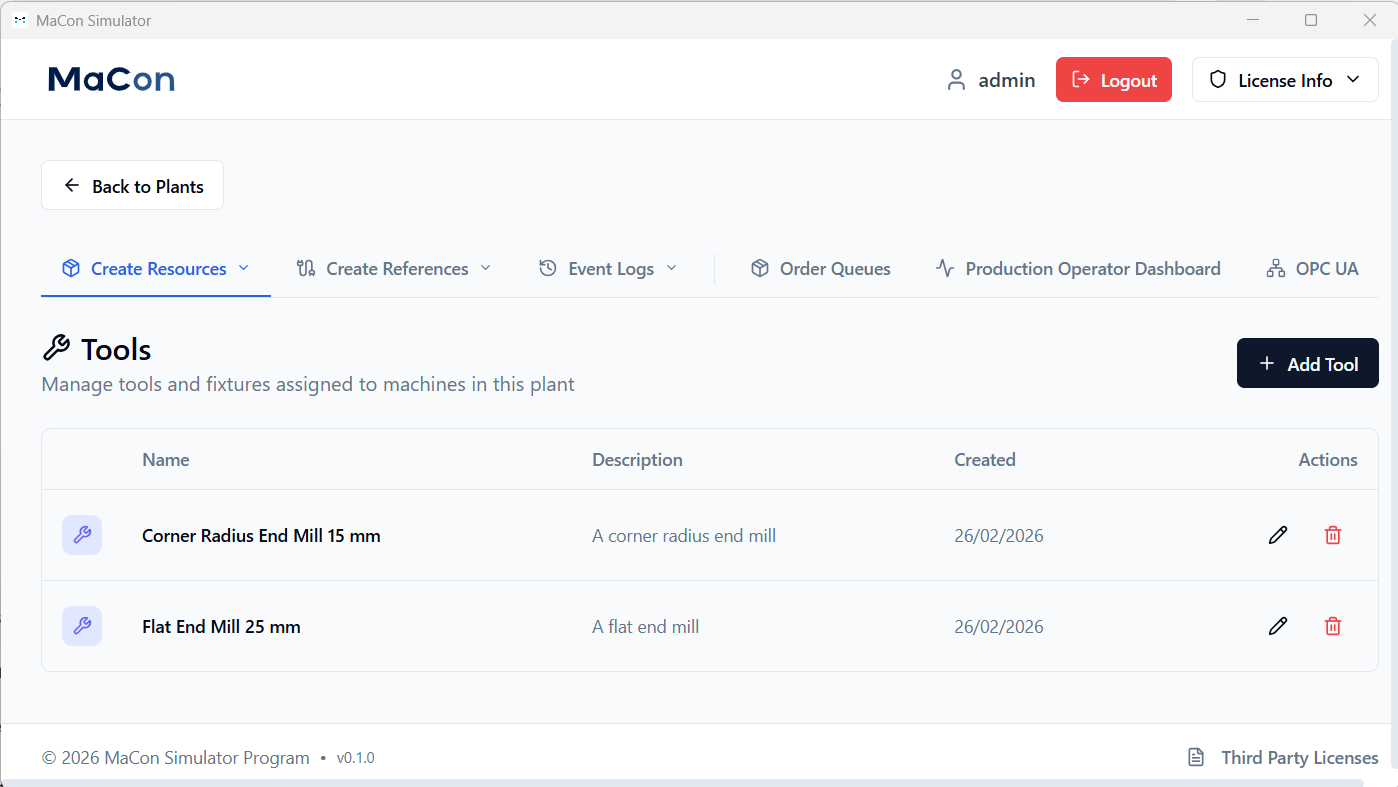
Manage virtual tools such as punching, milling, or assembly tools. Simulate tool usage in real time and test how your MES captures and assigns tool data and reacts in the event of wear or replacement.
Alarms
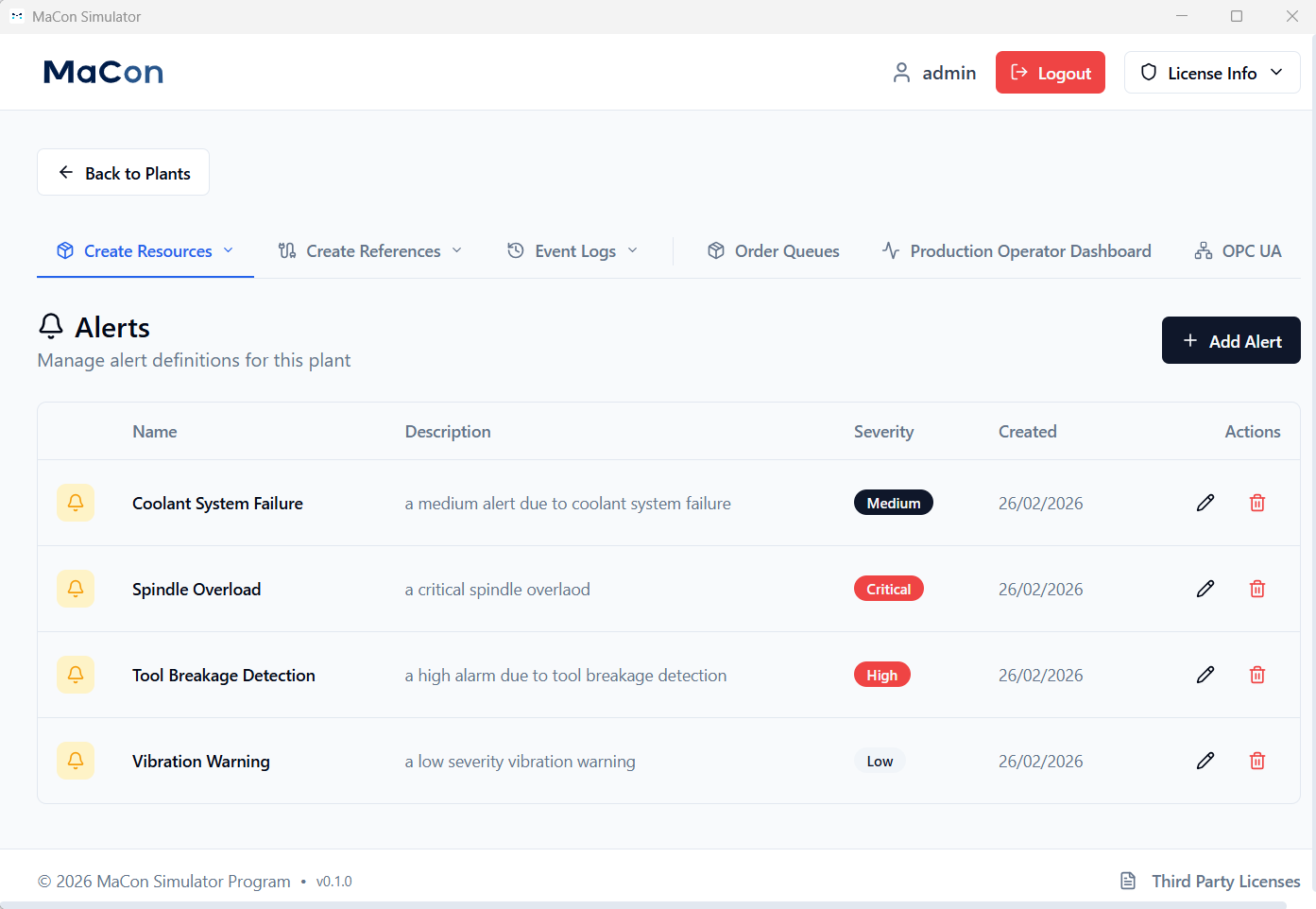
Generate machine-specific alarms and validate MES alarm handling – for secure production processes.
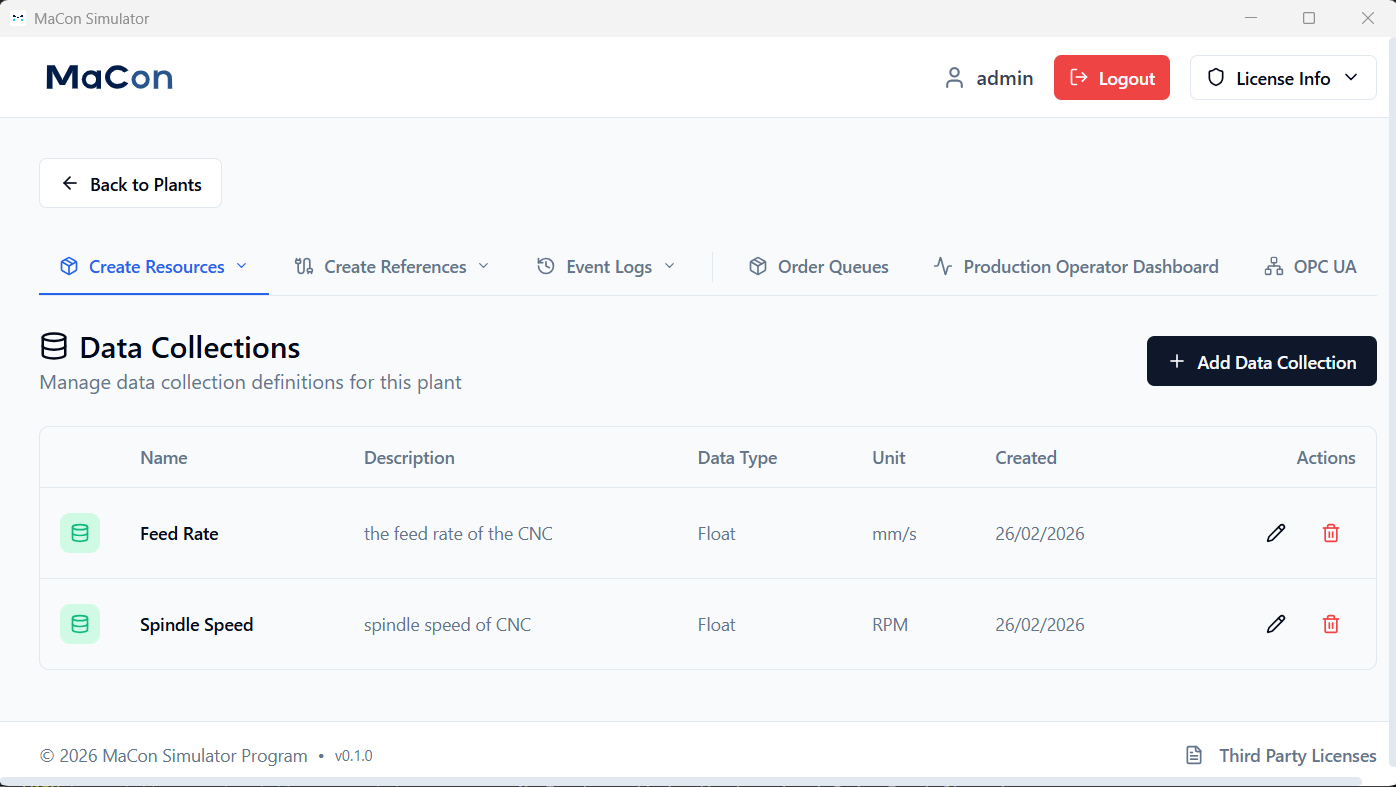
Data Collection
Simulate production-relevant sensor data such as temperature, pressure, or energy consumption. Transfer this data to your MES in real time and test whether all values are correctly recorded, processed, and visualized. This allows you to validate the data integrity and responsiveness of your MES under realistic conditions.
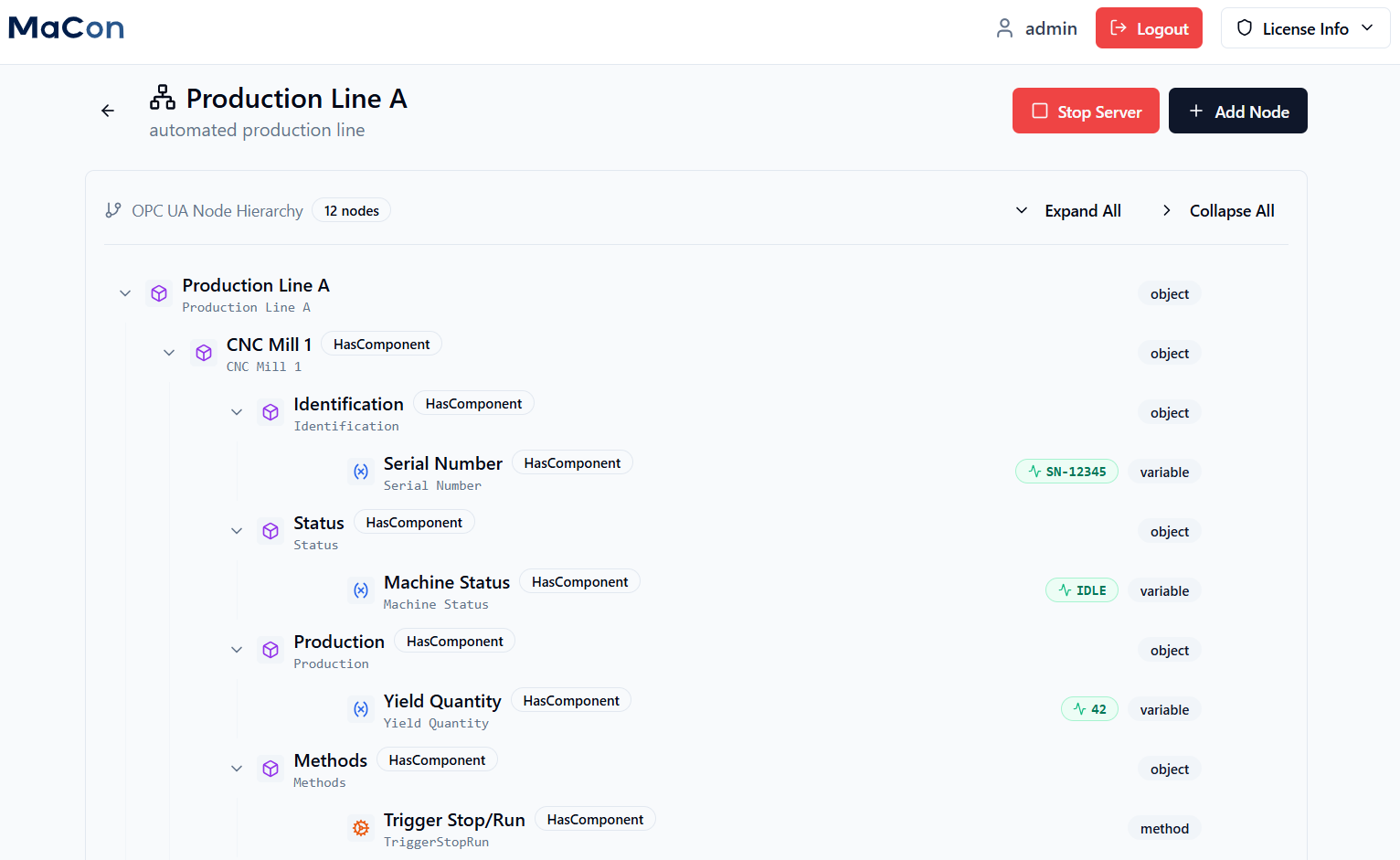
Integrated OPC UA Server
Create your own OPC UA data tree with freely definable variables, objects, and methods. Assign static values, dynamic simulation data (e.g., sensor data, machine status), or calculated values to the nodes. Use the integrated OPC UA client to read and validate server data. Connect the server directly to your MES and test the bidirectional communication.
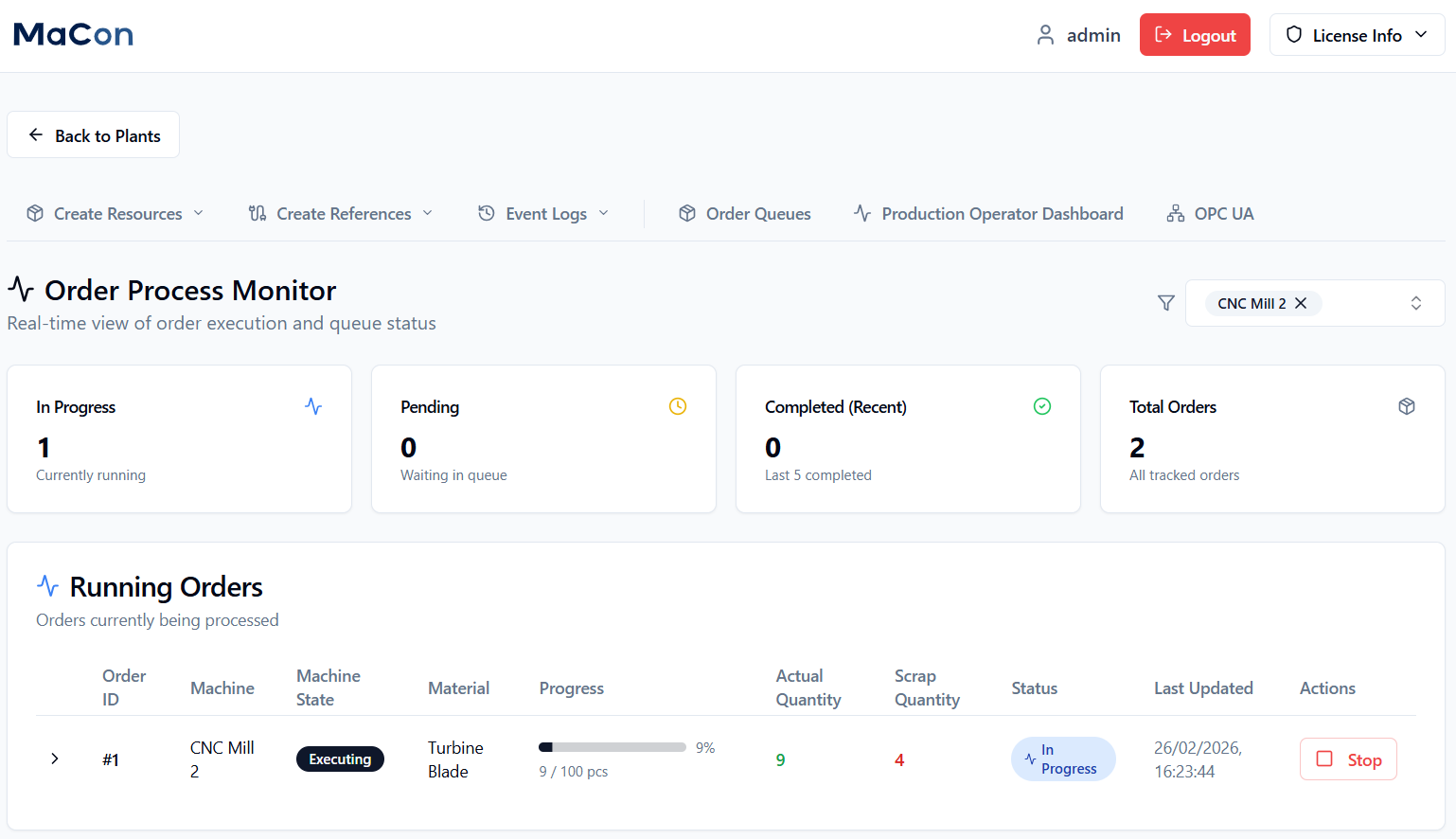
Production Operator Dashboard (1)
Real-time monitoring of all simulated machines and orders. You can see the current production status at a glance.
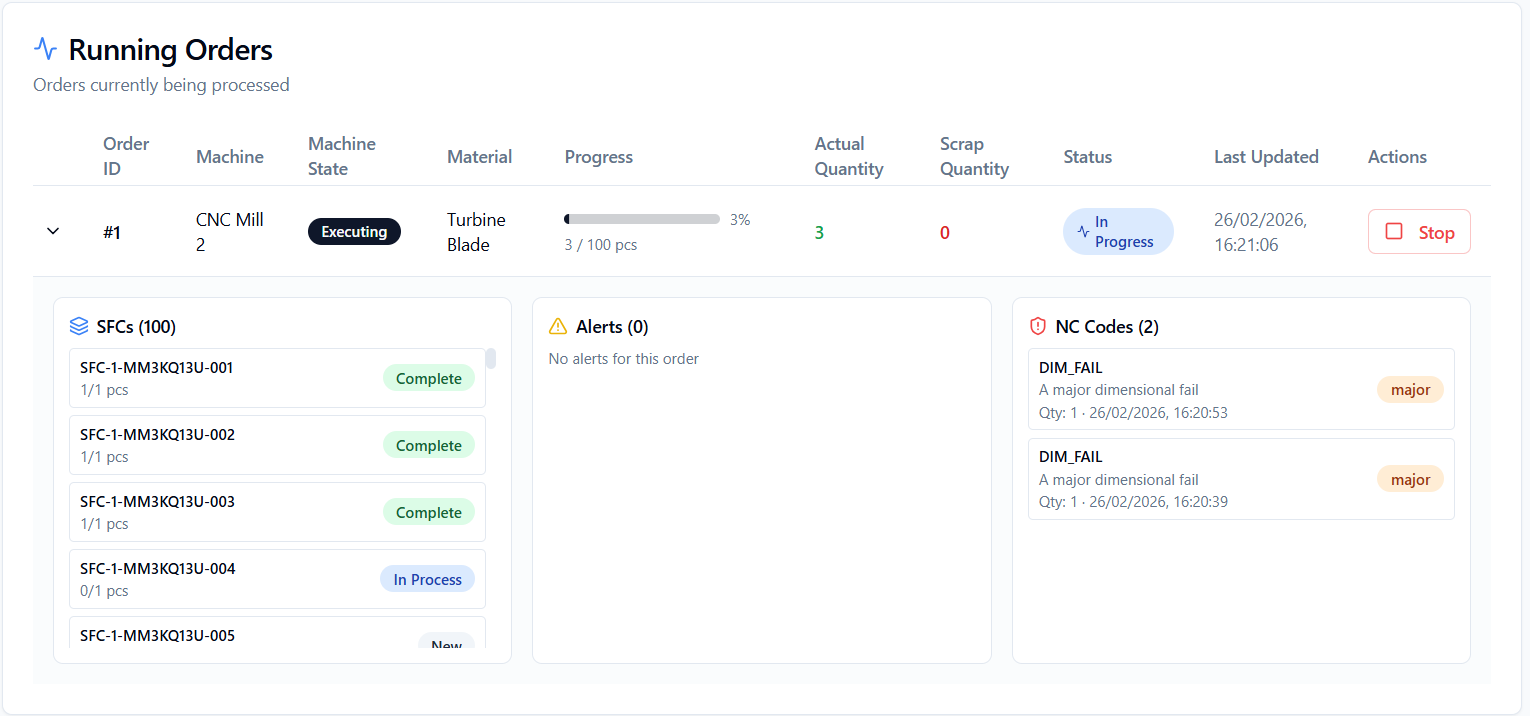
Production Operator Dashboard (2)
Visualize production quantities, alarms, and deviation codes—for quick MES tests and customer presentations.
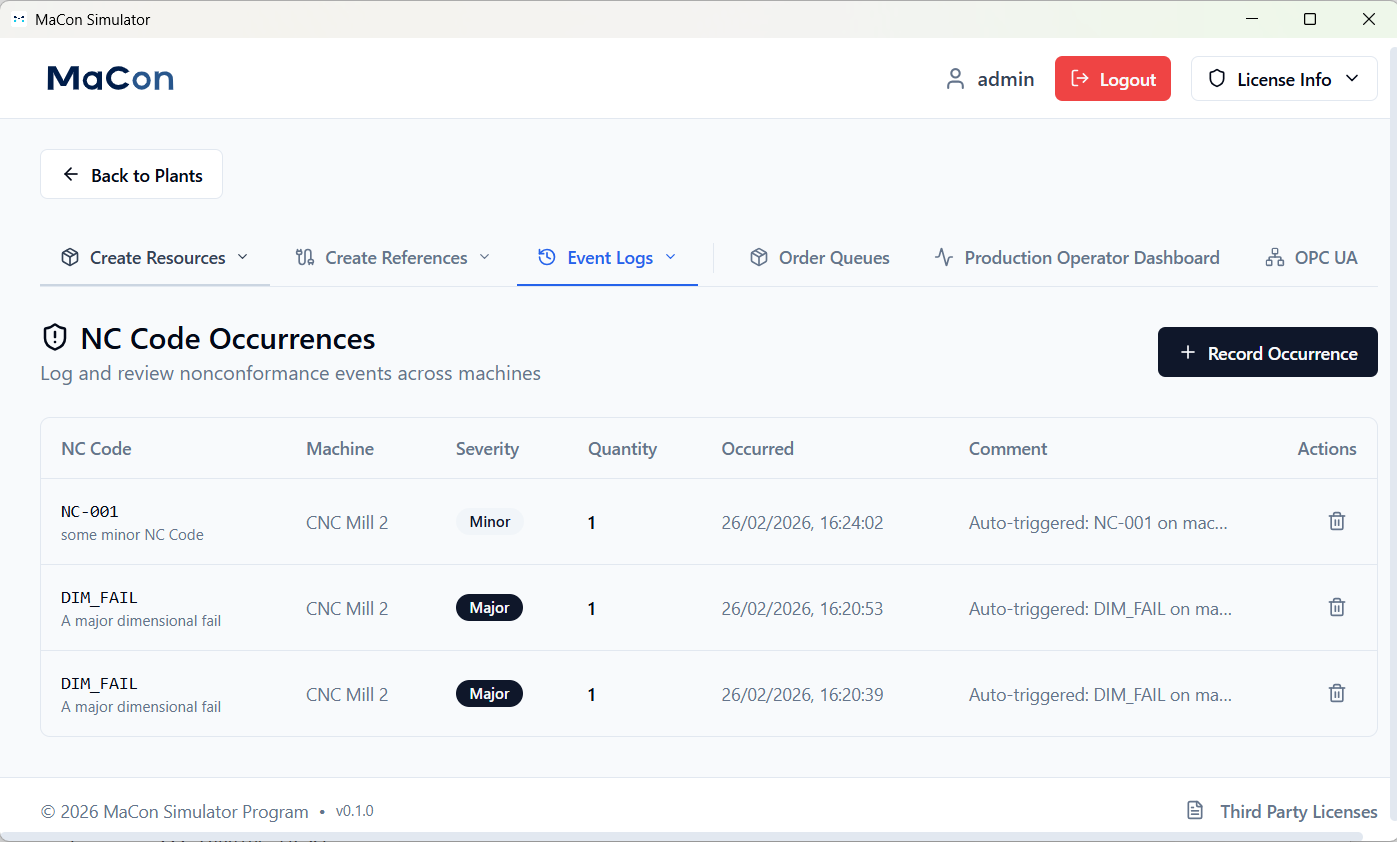
History of Nonconformance Codes
Analyze historical fault data, including severity and timestamps, to optimize MES responses.
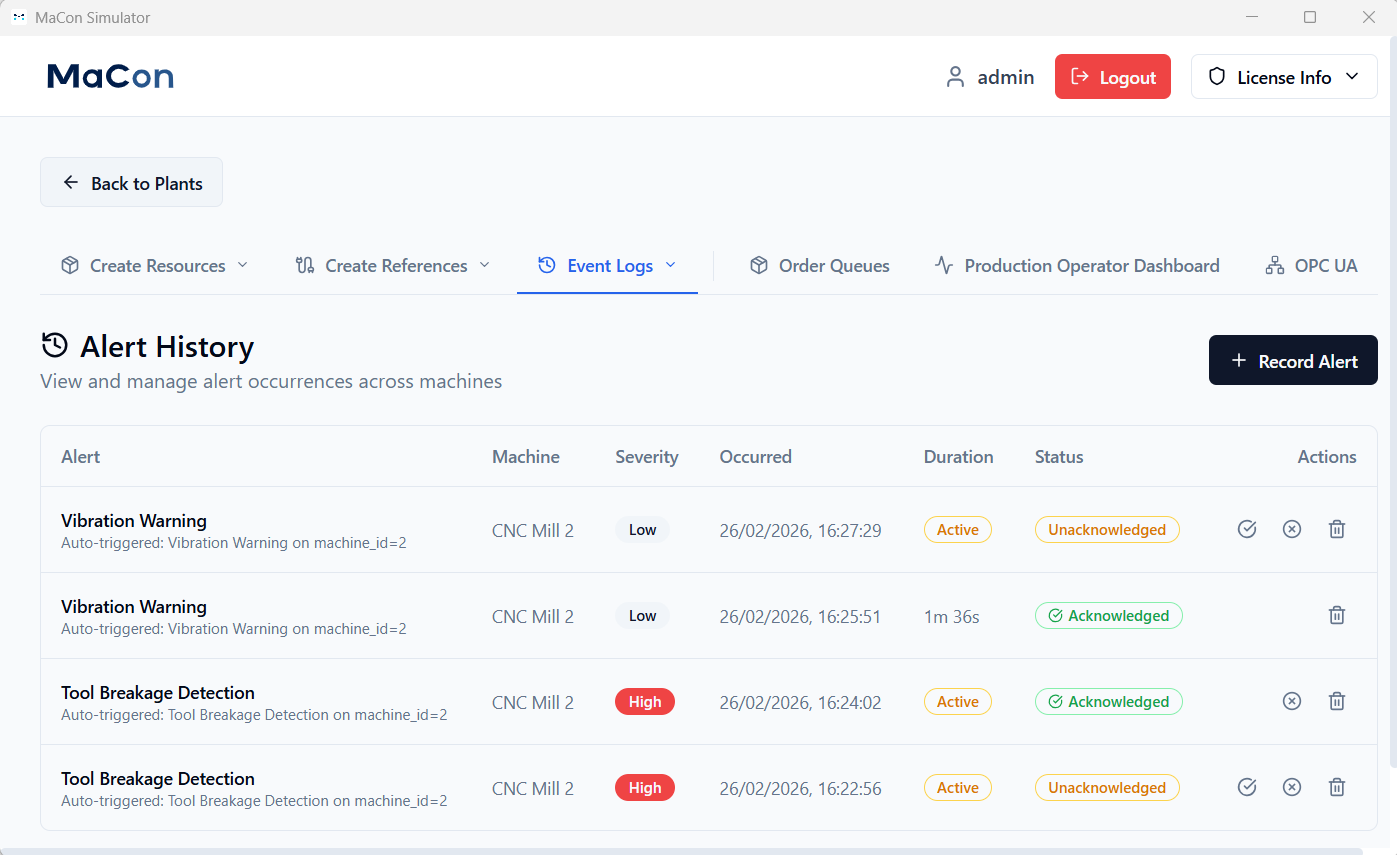
History of Alarms
Track alarm histories with timestamps, status, and severity. Use the data to check whether your MES responds on time and as planned by comparing it directly with the MES logs. This allows you to optimize your processes before going live.
Download the free version.
Or schedule a demo.
Local installation on your operating system

MaConSim runs locally on your system. Simply install the application on Windows, Linux, or macOS and retain full control over your sensitive production data.